

Binance.us for Ethereum Buyers: What the Platform Offers
If you are new to Binance.us and Ethereum is the reason you are opening an account, it is worth starting with what the platform actually gives you, before you learn what it does not. This post is that overview. It sits alongside the more specific pieces on limits, trading pairs and record-keeping — the same reader would read one of those next.
Everything below reflects what Binance.us publishes on its Help Center. Numbers such as fees and holds are current as of 2026 and change from time to time, so the Help Center page is always the source of truth for what applies on the day you place an order.
Note. Binance.us is a separate company from the global Binance.com exchange. Products, tokens and rules differ between them. The rest of this piece is about Binance.us only.
What Binance.us Actually Is
Binance.us is a U.S.-regulated cryptocurrency exchange operated by BAM Trading Services. It is available in most U.S. states, with a handful of exceptions and a smaller set of states where it runs as a crypto-only exchange (no USD deposits). The exchange lets a verified user deposit U.S. dollars, buy and sell crypto in both simple and advanced order screens, and withdraw crypto either to the exchange’s Web3 wallet or to a wallet you control yourself.
For an Ethereum buyer, the practical picture is this: you can fund the account with USD (in most states) or by depositing crypto from another exchange or wallet, buy ETH through one of four different order screens, hold it in your Binance.us account, and either sell it back for USD later or withdraw it to an external wallet. Everything else in the product menu builds on that spine.
The Four Ways You Can Buy ETH on Binance.us
Binance.us gives an Ethereum buyer four distinct order screens. They do the same job in different ways, and picking the right one for the size and timing of your purchase makes a real difference to the price you pay:
| Screen | What it does | Best for | Downside |
|---|---|---|---|
| Buy/Sell | Simple form, one price shown, one click to buy at that price | First purchase, small amounts, anyone who wants a familiar broker feel | Wider spread built into the shown price |
| Convert | Trade one asset for another at a quoted price with a short expiry | Swapping crypto you already hold into ETH | Small maker/taker spread; no order-book access |
| Advanced Trading | Full order-book screen with market and limit orders | Larger buys, buyers who want a specific entry price | Learning curve; per-order minimums; more decisions |
| Auto-Buy (Recurring Buy) | Scheduled buys at a fixed cadence (daily/weekly/monthly) | Dollar-cost averaging over months | Fills at market; each fill has its own price and fee |
A given buyer often uses more than one over the life of an account. A first purchase might go through Buy/Sell, later ones through Advanced Trading once the buyer is comfortable, and a Recurring Buy running in the background for the “just keep adding” portion of the plan.
Verification Levels and Getting to a Live Order
Binance.us runs on two verification tiers, described in more depth in the Help Center’s Basic vs Advanced verification article. Basic verification asks for name, date of birth, Social Security number and address. Advanced adds a photo ID and a selfie. Both tiers can buy, sell, convert and use Advanced Trading; the main difference for an ETH buyer is higher personalised deposit and withdrawal limits at Advanced.
The path to a live ETH order is short:
- Complete Basic verification.
- Link a personal checking account or add a debit card.
- Move USD into the account (or deposit crypto if you are funding that way).
- Pick an order screen, place the order, wait for it to fill.
For a first-time buyer with a small purchase, that whole sequence often takes a single sitting. Larger buyers who need higher limits usually complete Advanced verification up front rather than waiting for the day of the order.
Trading Pairs and What They Mean for Your Order
An “ETH order” on Binance.us is always an order in a specific pair. The pair you pick decides which asset you pay in and which liquidity book the order lands in. The three pairs most commonly used:
- ETH/USD — buy ETH with US dollars directly. The simplest choice for a buyer who has just deposited USD.
- ETH/USDT — buy ETH with Tether, the most liquid stablecoin pair on the exchange. Useful if you are already holding USDT, or if you want the deepest order book.
- ETH/BTC — buy ETH by selling Bitcoin. Used by holders rebalancing between the two.
Each pair carries its own minimum order size, price step and per-order maximum on Advanced Trading. The trading limits page lists these rules per pair, and the order form itself enforces them at the moment of submission.
Depositing USD, Depositing Crypto
Funding decides how quickly you can buy and how quickly you can withdraw. Binance.us supports a mix of USD and crypto rails:
- ACH bank transfer from a personal checking account in your own name. Pre-credited, so you can trade before the transfer settles, but subject to a 7-day withdrawal hold that applies to the same value in crypto once you buy.
- Debit card and Apple Pay for smaller, faster purchases. The same 7-day hold applies to crypto bought with these methods.
- Wire transfer for larger amounts. Cleared funds; no ACH-style hold.
- Crypto deposit from another exchange or wallet. No hold; withdrawable after the required network confirmations.
Tip. The hold matters most to a buyer who plans to self-custody. If you intend to move ETH to your own wallet as soon as you buy it, either wire the USD in or fund with crypto you already own — the ACH hold will delay a self-custody withdrawal by a week.
Custody, Withdrawal Networks and Fees
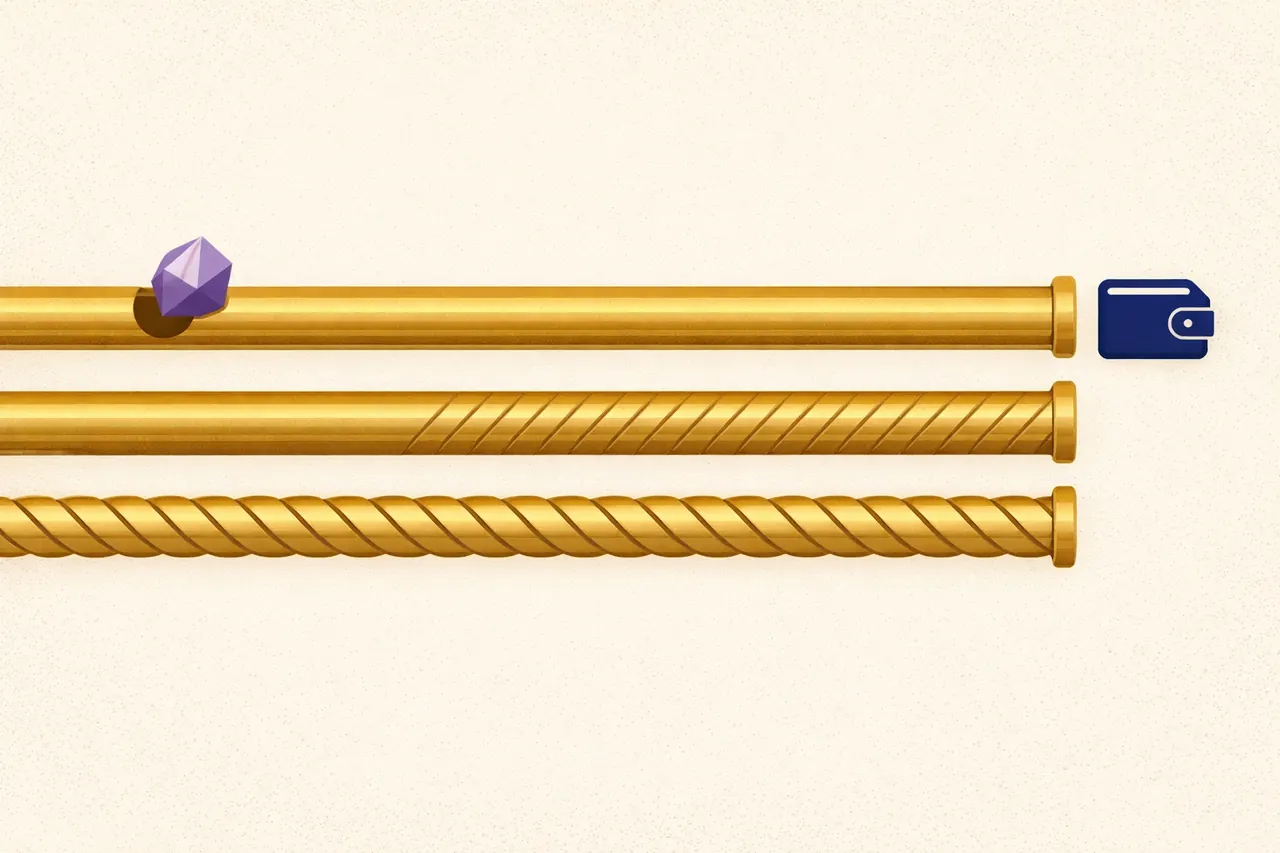
Once you own ETH on Binance.us, you have two custody choices. You can leave it in your account, or you can withdraw it. Withdrawals are what most self-custody buyers care about, and they involve a network choice as well as a fee.
The withdrawal screen for ETH offers more than one network. The default is native Ethereum, which is what any standard Ethereum wallet expects. Binance.us also supports withdrawal on BNB Smart Chain and, at times, other networks. The choice matters because sending ETH on a network your destination wallet does not support can make the funds hard or impossible to recover. The single most important rule at withdrawal time is: pick the network your receiving wallet expects.
Every withdrawal carries a network fee that Binance.us collects at the moment you submit. The fee covers the on-chain cost of the transaction plus a small platform component. Native Ethereum withdrawals are more expensive than BNB Smart Chain withdrawals; small withdrawals to a self-custody wallet can therefore be dominated by the fee, which is why some holders wait to build up a balance before withdrawing.
Fees at a Glance
Fees on Binance.us come in three places and it is worth knowing which is which:
| Where | What you pay | Where to see it |
|---|---|---|
| Buy/Sell | A spread baked into the shown price | Displayed price is the all-in price |
| Convert | A small spread built into the quoted rate | Quoted rate is the all-in price for the quote window |
| Advanced Trading | Maker/taker fee tier, discounted with BNB | Fee tier is shown before you submit an order |
| Deposit | USD deposits are usually free; crypto deposits are free; network sender pays | Deposit screen |
| Withdrawal (crypto) | A fixed network fee per asset per network | Withdrawal screen |
The Advanced Trading fee tier drops as your 30-day trading volume rises. For most retail buyers the difference between tiers will be small in absolute terms, but it is worth knowing that a large one-off buy might sit in a different fee tier than a series of small ones over the same period.
Mobile App vs Web
The web and mobile experiences overlap heavily. Buy/Sell, Convert, Advanced Trading and Recurring Buy are all available on both, and account settings sync across. Two differences are worth flagging:
- Charting. The web Advanced Trading screen has a richer TradingView chart with more indicators. The mobile version is trimmed for the small screen.
- Notifications. The mobile app is where price alerts and fill notifications land. On the web, you rely on the browser or on email.
What Binance.us Does Not Offer
The exchange is deliberately narrower than its global counterpart, which is a legal fact rather than a product decision. For an Ethereum buyer this means:
- No leveraged trading of any kind. No margin, no futures, no perpetuals.
- No derivatives products; no options.
- ETH staking has come and gone as a product on Binance.us over the past few years and its availability is best checked on the day. If you want to stake ETH, look at the current status before you plan around it.
- OTC trading, described in the Help Center as an option for large trades, has been paused since March 2025. Very large single trades therefore need to be split into a series of orders on Advanced Trading.
- A smaller token universe. Binance.us lists fewer tokens than the global exchange, and pairs are added and removed over time; ETH itself is not going anywhere, but exotic ETH pairs come and go.
Questions Ethereum Buyers Ask About Binance.us
Do I need Advanced verification to buy ETH?
No. Basic verification is enough. You would only pursue Advanced if your planned purchase is larger than the personalised limits shown on your Profile and Limits page at Basic.
Can I withdraw ETH straight to a hardware wallet?
Yes, as long as the wallet is on a network Binance.us supports and you enter the correct address. A test withdrawal of a small amount before a large one is a good habit and costs only the network fee.
Which screen has the lowest fee for a single buy?
Advanced Trading at the base fee tier is usually cheaper than Buy/Sell for the same amount, because the spread on Buy/Sell is typically wider than the maker/taker fee. The trade-off is that Advanced Trading needs you to pick an order type and, for a limit order, a price.
Is ETH bought on Binance.us the same asset as ETH on the network?
Yes. When you buy ETH on Binance.us and hold it in your account, you own a claim on ETH held by Binance.us. When you withdraw ETH to your own wallet, you receive native ETH on the network you chose, indistinguishable from ETH acquired anywhere else on that network.
Does Binance.us send me a tax form at the end of the year?
Binance.us issues the applicable IRS forms — currently Form 1099-MISC where reportable rewards apply — and its export tools let you build the cost-basis records you need for your own tax return. The record-keeping post in this series covers what to log and how.

Leave a Reply